Stop being the clipboard between your coding agents
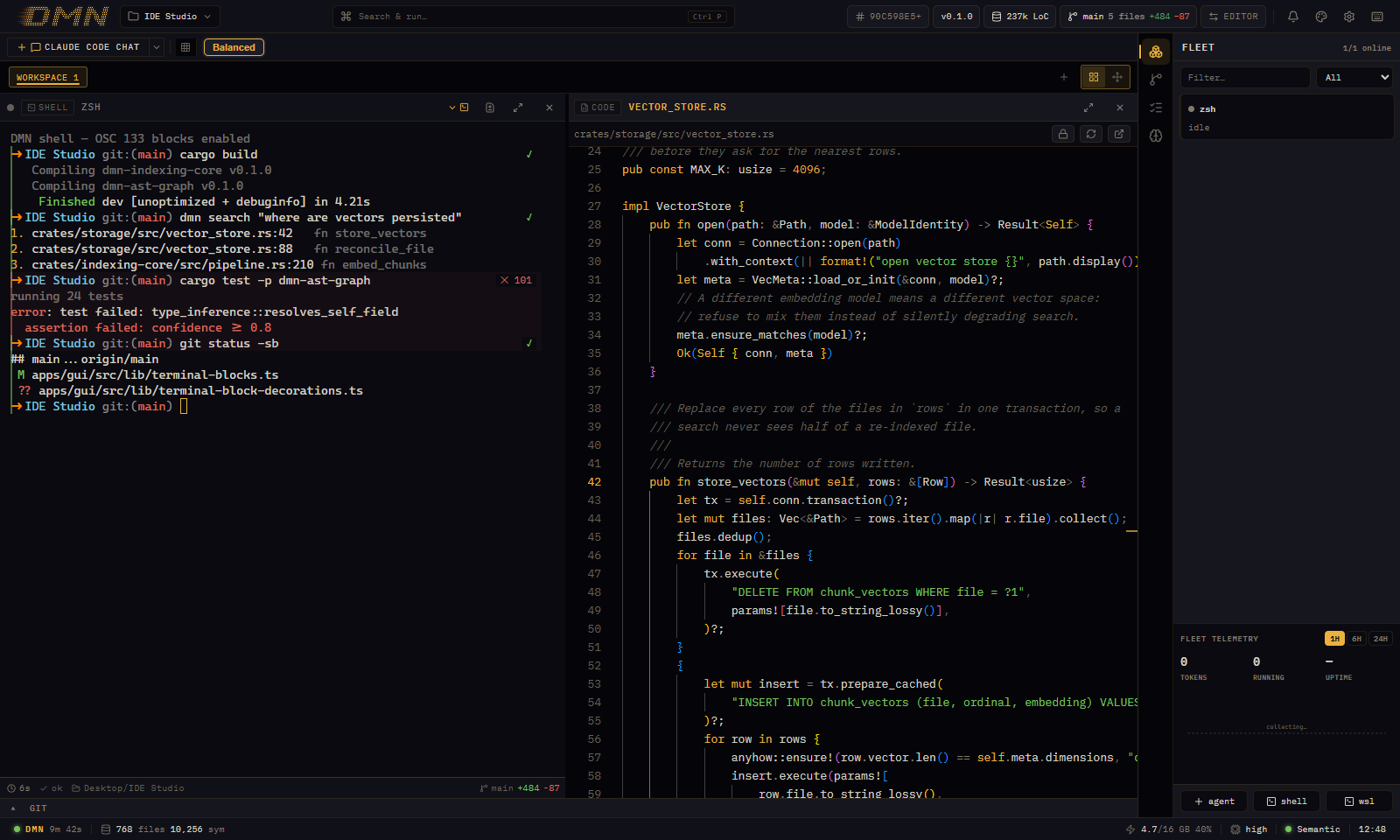
Claude Code, Codex and your terminals in one window. What one agent learns, the next one gets back, whether it runs alongside it or starts tomorrow. They also see which files the others are editing, and search one local index of your code.
Free app · No DMN account · Uses your own Claude and Codex subscriptions
The Windows release is coming soon.
Your agent goes straight to the code
Asked where logins are rate-limited, Claude Code found tooManyAttempts either way. On its own it searched, then opened a file to read the code. With DMN the search brought the code back, so it answered a round trip sooner.
Real runs: Claude Code (Sonnet) on a 44-file sample project, three times without DMN and three times with DMN as it ships, terse answers on. Each pane replays one run; the figures are the medians. The runs.
2 instead of 3
requests to the model
DMN's search brought the code back, so the agent didn't open files to read it.
2.2 s
sooner to the answer
6.2 s without DMN, 3.9 s with it: the median time from the question to the answer.
20 ms
for DMN to answer
It has already read your code, so it answers from its index. CPU only, on the sample project.
On real bug reports
On this small project DMN used a few more tokens: 16.5k without DMN, 17.3k with it. Its terse-answer rule adds about 800 tokens to every request, and a two-request lookup is too short to win that back. On real bug reports in larger codebases, agents found the code in 21–25% fewer round trips and 16–22% fewer tokens, and found the right code about as often, so your usage limits go a bit further. With terse answers on, our latest benchmark, on DMN's own code, used 35% fewer tokens than no DMN. A whole coding session also writes and tests code, so it saves less. How we measured.
What you get
Built for running several agents at once, from different vendors, on the same code.
-
Every agent in one window
Claude Code in a chat pane or its own CLI, Codex, and your shells, side by side.
The workspace -
See who's working
The Fleet panel shows each agent's status and what it changed. Click a card to jump to it.
The Fleet panel -
From output to code
A path:line in any terminal opens the file, and the editor says which agent just changed it.
The editor -
Ask once, get the code
Agents ask DMN's local engine and get the exact code back, callers included.
The engine -
Notes every agent shares
A note one agent saves, the next one gets back, whichever vendor made it.
Shared memory -
See who's editing what
An agent claims the files it's editing. The others can check first and work around them.
File claims
Codex picks up what Claude Code learned
Two days ago Claude Code found out the Stripe webhook must read the raw request body, and saved it as a note. Now Codex adds checkout. Without DMN, you're the one who remembers and pastes it in.
An illustration with the demo's sample project, not a recorded run.
You don't need five agents for this: Claude Code today and Codex tomorrow read the same notes, whichever vendor made them. DMN also learns from your past sessions: when an error an earlier session fixed turns up again, Claude Code gets the fix in one line. How shared notes work
Why run your agents in DMN
Most people run each agent in its own terminal. Here's what DMN changes, and what stays the same.
| In DMN | In separate terminals | |
|---|---|---|
| Keeping track | Every agent side by side, and the Fleet panel shows what each one is doing and what it changed. | A tab or window per agent. You switch between them to check. |
| Two agents, one file | An agent can claim the file it's editing, and the others can see the claim and work around it. A claim never blocks a write. | You find out when the edits collide. |
| What an agent learned | Saved as notes that the next agent gets back, Claude Code or Codex. | Whatever you write into CLAUDE.md or AGENTS.md. |
| Finding code | Agents can ask DMN's local index. In our tests they made 21–25% fewer requests finding the code. | Agents grep and open files until they find it. |
| Your agents and plans | The same ones, with your own subscriptions. | Your own. |
| Price | Free, no account. | Free. |
Start in three steps
-
Install DMN
For Windows 10 and 11, with no account to make. The release is coming soon.
-
Open a folder
DMN indexes it on your machine and keeps the index current as files change.
-
Start your agents
Claude Code, Codex or a shell, from "+ agent". Agents started in DMN come with its search and notes.
The docs cover the rest.
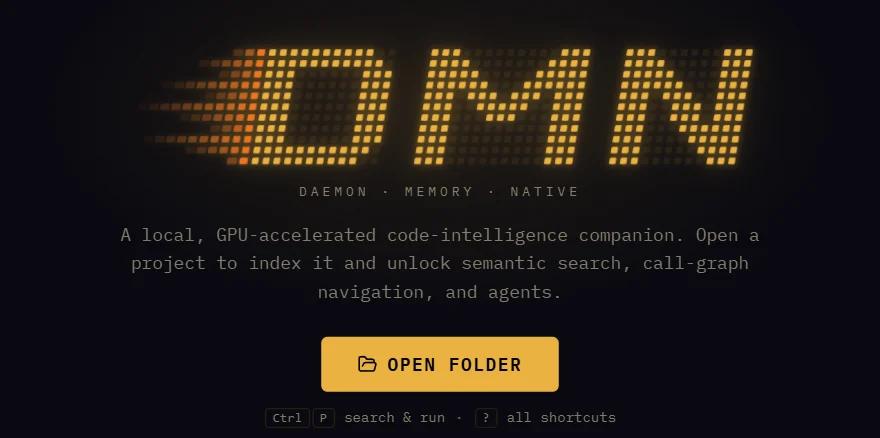
The first screen you see.
Keep the agents you have
Claude Code and Codex run in DMN's panes just as they are, with your own subscriptions.
Using Claude Code's app?
It runs Claude sessions side by side. DMN runs Claude Code and Codex together, with shared notes, file claims and a local search engine.
DMN and Claude CodeComing from Warp?
Command blocks, a command palette and six themes, around the coding agents you already use. No account.
Coming from WarpJust want the engine?
Give Claude Code, Codex or Cursor DMN's search and notes with one command. The app is optional.
Connect your agentsQuestions
Is it free?
Yes. There's no paid tier and no account. You bring your own Claude, Codex or other AI subscription.
Does my code leave my machine?
Not through DMN. Indexing, embeddings and search run locally, and the engine only listens on your own machine. Your agents still talk to their own providers, as they do without DMN.
Which agents does it work with?
Claude Code, Codex, Gemini CLI, Cursor's CLI and Aider start in DMN's panes. The engine's search and notes reach Claude Code, Codex, Gemini CLI, Cursor and OpenCode through an agent skill, and any MCP client through MCP. Which agent gets what.
How is it different from grep or ripgrep?
grep finds exact text, and then the agent opens files to read around each hit. DMN also searches by meaning
and follows the call graph, and returns the matching code sections, with their callers, in one call. For an
exact string, dmn grep returns the code around each hit.
Does it work offline?
The engine does: indexing, embeddings and search all run on your machine. Your agents still need their own providers, as they do without DMN.
Mac or Linux?
Windows today. The engine is cross-platform Rust, and Mac and Linux builds are on the roadmap.
Do I need a GPU?
No. DMN uses your GPU when there is one and runs on the CPU otherwise.